" height="26.80529977783203px" id="tymKb8bqC" width="128.00300311279295px"/><path d="M 0 2.417 L 0 0 L 12.909 0 L 12.909 2.417 Z" fill="rgb(126, 78, 253)" height="2.417099999999998px" id="aYr4em6zK" transform="translate(128.341 22.325)" width="12.908999999999992px"/></svg>)

"/><stop offset="1" stop-color="rgb(118, 37, 250)"/></linearGradient></defs><g d="M 19.242 21.22 L 19.362 6.204 L 19.272 6.204 L 13.757 21.22 L 10.161 21.22 L 4.796 6.204 L 4.706 6.204 L 4.825 21.22 L 0 21.22 L 0 0 L 7.283 0 L 12.109 13.607 L 12.229 13.607 L 16.844 0 L 24.247 0 L 24.247 21.22 Z M 26.421 26.113 L 26.421 23.445 L 41.407 23.445 L 41.407 26.113 Z" fill="transparent" height="26.112508199679183px" id="DvfaAIHYn" width="41.40731898311435px"><path d="M 19.242 21.22 L 19.362 6.204 L 19.272 6.204 L 13.757 21.22 L 10.161 21.22 L 4.796 6.204 L 4.706 6.204 L 4.825 21.22 L 0 21.22 L 0 0 L 7.283 0 L 12.109 13.607 L 12.229 13.607 L 16.844 0 L 24.247 0 L 24.247 21.22 Z" fill="rgb(46, 46, 46)" height="21.220180016149442px" id="pLsxRCobd" width="24.247352589074694px"/><path d="M 0 2.668 L 0 0 L 14.986 0 L 14.986 2.668 Z" fill="url(%23yD9d4I5GR-3279285344-linear-gradient)" height="2.6675085048549647px" id="yD9d4I5GR" transform="translate(26.421 23.445)" width="14.986002836263765px"/></g></svg>)
LinkedIn Poll Idea Generator
Create scroll-stopping poll ideas that spark engagement.
There’s a reason LinkedIn polls are everywhere on the platform now.
In addition to being relatively easy to go viral, polls are a great tool for lead generation.
Polls are quick to read, simple to join in, and naturally get people to share what they think. They catch attention and turn readers into participants.
But coming up with new and relevant poll ideas every 2 days can be tough.
This is where Poll Generator helps.
How to Use a LinkedIn Poll Idea generator ?
STEP 1
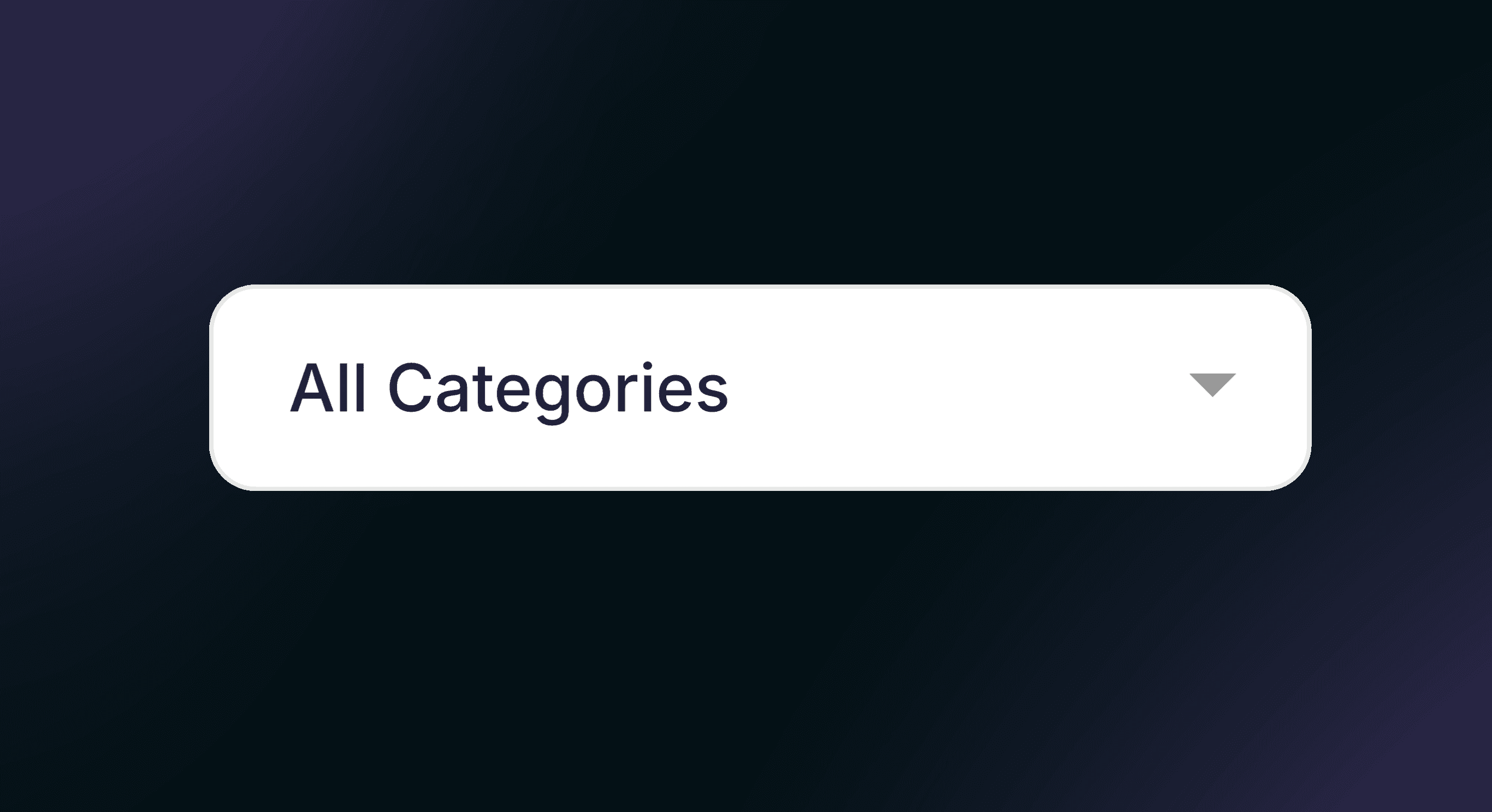
Select a Category
Click the “All Categories” to choose a specific category for your poll…
STEP 2
Generate a Poll Idea
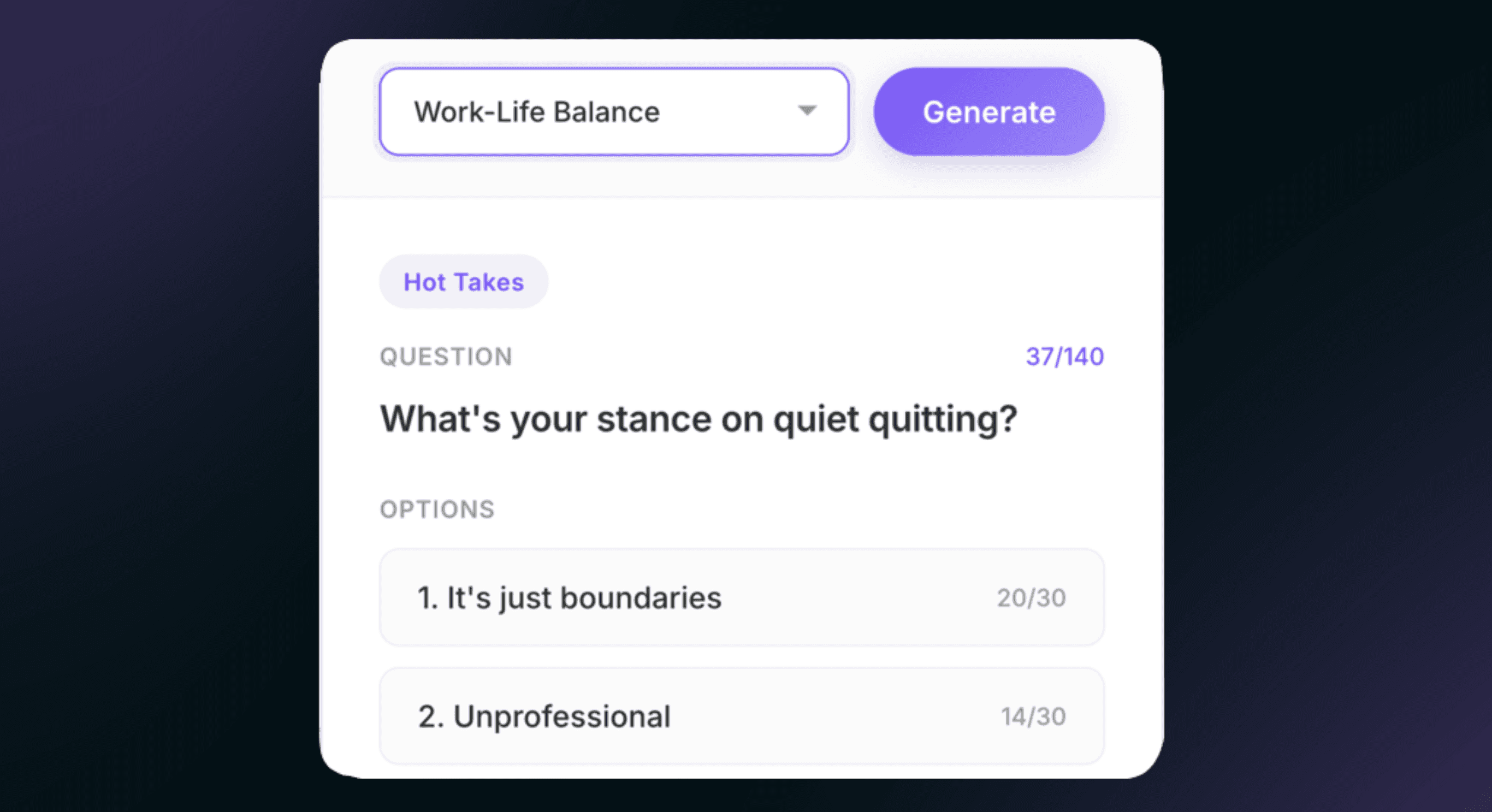
Click the Generate button. The tool will create a poll idea for you.
You can clic this button without selecting a category, for general ideas.

STEP 3
View and Use the Idea
Your poll idea will appear in the space below the lightbulb icon.
`You can then copy it and use it for your social media or survey.
What's a LinkedIn Poll Idea Generator ?
A LinkedIn Poll Idea Generator is an AI-powered assistant that generates a random poll question and suggests questions designed to spark debate, curiosity, and emotion.
The tool looks at your field and your audience's preferences, then generates poll topics that are up-to-date.
If you’re a creator, marketer, or professional looking to grow your network, you can post great polls without the hassle of coming up with ideas yourself.
Picture opening the generator, typing in your field, like 'digital marketing,' and right away seeing a list of poll ideas that seem tailored to your audience.
That’s what a poll idea generator can do.
Perks of using a LinkedIn Poll Idea Generator
1. They’re Highly Shareable and Algorithm-Friendly
LinkedIn polls tend to spread easily.
When a poll covers a topic people care about, especially if it’s relatable or a bit debatable, it encourages people to share their opinions.
When people vote, comment, or react, LinkedIn’s algorithm notices and shows the post to more people.
More interaction leads to more reach. That’s why polls often do better than regular text posts.
2. They’re Built-In Engagement Magnets
Polls make it easier for people to join in.
Instead of asking people to read, think, and write a comment, you just ask them to click once. That quick action takes less than a second, so it feels easy to take part.
Curiosity also matters. People want to see how others voted, so they’re more likely to join in, even if they wouldn’t usually comment on a post.
With consistent use, your quote cards strengthen branding, expand your audience, and drive more leads.
A quote card generator lets you use that simple, personal feeling without needing design skills.
3. They Tap Into a Sense of Belonging
Using a calculator shows you rely on data, not guesswork, which sets you apart as a professional.
It provides brands with an objective “market rate” that is much easier for marketing managers to approve. This transparency builds immediate trust and sets a high standard for your partnership.
Quote Cards Aren’t Just for “Inspirational” Content
There’s a misconception that quote cards are only for motivational content. In reality, they work for insights, opinions, observations, and even sharp takes.
One sentence can sum up a belief, challenge an idea, or spark a conversation. When you show it visually, it becomes a content anchor—something people can respond to without reading a long post.
This makes quote cards especially effective on LinkedIn, where short, thoughtful content often outperforms long explanations.
Top 5 Tips on How to Create The Perfect Poll
Ask questions that matter
To get the most engagement, your audience needs to know why your poll matters. Instead of dumping a block of text, frame your question with a short story, anecdote, or scenario.
This works like a “cliffhanger,” encouraging people to click see more and invest in the poll.
Break up your text into small, digestible chunks; one sentence per paragraph works best. This keeps your post easy to scan and increases participation.
Be Relevant to Your Audience
A poll about the weather won’t generate meaningful engagement if your goal is to connect with SEO content writers or content marketing professionals.
Focus on your ideal customer profile (ICP) and buyer personas to uncover the challenges, interests, and priorities of your potential leads. Tailoring your questions to your audience ensures your poll not only gets responses but also provides valuable insights for outreach.
Add an “Other” Option to Your Polls
Adding a final “Other” option is an easy way to boost engagement. This encourages people to comment with more specific answers and increases interaction on your post.
You can even add a line in your body text like: “Or is it something else? Let me know in the comments!” The more engagement your poll gets early on, the more likely it is to be seen by a wider audience.
Keep Your LinkedIn Polls Short
One of the biggest advantages of LinkedIn polls is their simplicity. While context and storytelling help, your poll question should be understandable on its own without requiring readers to read the entire post first.
Your poll should clearly convey your point and work independently, while the accompanying post adds context and encourages discussion.
Turn Poll Votes into Qualified Leads
With a well-designed poll, a follow-up works like automated lead qualification. Each vote shows you who is truly interested, so you can spend your time helping those who will benefit most from your solution.
If you run a poll about content creation challenges, you can reach out to people who chose “Struggle with SEO optimization” like this:
"Hi [Name], noticed your vote on my content creation poll. Would you be interested in seeing how MagicPost helps content writers optimize their posts for SEO effortlessly? I’d be happy to set up a quick demo."
It’s important to be persistent but also respectful. Give real value based on the interest they’ve shown by taking your poll, rather than trying to sell to them right away.
Frequently Asked Questions
1. What is a LinkedIn Poll Idea Generator and how does it work?
It’s a tool that helps you quickly come up with engaging poll ideas for LinkedIn. You simply select a category (or leave it general) and click “Generate,” and it gives you ready-to-use poll ideas.
2. Do I need a LinkedIn account to use this tool?
No, you don’t need to be logged into LinkedIn to generate ideas. However, you will need a LinkedIn account to post the poll once you’ve created it.
3. Can I choose a specific category for my poll ideas?
Yes! You can select from different categories to generate poll ideas tailored to your industry, audience, or content theme.
4. How often can I generate new poll ideas?
You can generate as many poll ideas as you want—there are no limits. Each click produces a fresh, unique idea.
5. Can I customize the poll ideas suggested by the tool?
Absolutely! The ideas are meant to inspire you, so you can tweak the wording, options, or tone to fit your audience perfectly.
6. Is the tool free to use or does it require a subscription?
Most LinkedIn Poll Idea Generators are free to use, though some advanced features may require a subscription. Check the tool’s website for exact pricing details.
More Free Tools from MagicPost
MagicPost offers a variety of free tools to enhance your LinkedIn content, including:
LinkedIn Headline Generator: Craft a standout profile headline.
Hook Generator: Create compelling openings for your posts.
Post Ideas Generator: Get fresh content ideas instantly.
LinkedIn Post Previewer: See how your post appears before publishing.
Video Downloader: Save LinkedIn videos effortlessly.