" height="26.80529977783203px" id="tymKb8bqC" width="128.00300311279295px"/><path d="M 0 2.417 L 0 0 L 12.909 0 L 12.909 2.417 Z" fill="rgb(126, 78, 253)" height="2.417099999999998px" id="aYr4em6zK" transform="translate(128.341 22.325)" width="12.908999999999992px"/></svg>)

"/><stop offset="1" stop-color="rgb(118, 37, 250)"/></linearGradient></defs><g d="M 19.242 21.22 L 19.362 6.204 L 19.272 6.204 L 13.757 21.22 L 10.161 21.22 L 4.796 6.204 L 4.706 6.204 L 4.825 21.22 L 0 21.22 L 0 0 L 7.283 0 L 12.109 13.607 L 12.229 13.607 L 16.844 0 L 24.247 0 L 24.247 21.22 Z M 26.421 26.113 L 26.421 23.445 L 41.407 23.445 L 41.407 26.113 Z" fill="transparent" height="26.112508199679183px" id="DvfaAIHYn" width="41.40731898311435px"><path d="M 19.242 21.22 L 19.362 6.204 L 19.272 6.204 L 13.757 21.22 L 10.161 21.22 L 4.796 6.204 L 4.706 6.204 L 4.825 21.22 L 0 21.22 L 0 0 L 7.283 0 L 12.109 13.607 L 12.229 13.607 L 16.844 0 L 24.247 0 L 24.247 21.22 Z" fill="rgb(46, 46, 46)" height="21.220180016149442px" id="pLsxRCobd" width="24.247352589074694px"/><path d="M 0 2.668 L 0 0 L 14.986 0 L 14.986 2.668 Z" fill="url(%23yD9d4I5GR-3279285344-linear-gradient)" height="2.6675085048549647px" id="yD9d4I5GR" transform="translate(26.421 23.445)" width="14.986002836263765px"/></g></svg>)
Linkedin Engagement Rate Calculator
Measure your LinkedIn engagement rate instantly and accurately.
LinkedIn numbers alone don’t reveal the true success of posts.
One post might get thousands of views but hardly any reactions. Another might have fewer impressions but starts real conversations.
Likes, comments, shares, and impressions all seem impressive, but none of them tell the whole story on their own.
That’s where a LinkedIn engagement rate calculator comes in.
It ignores vanity metrics and focuses on what really matters: how people interact with your content.
How to Use a LinkedIn engagement rate calculator?
STEP 1
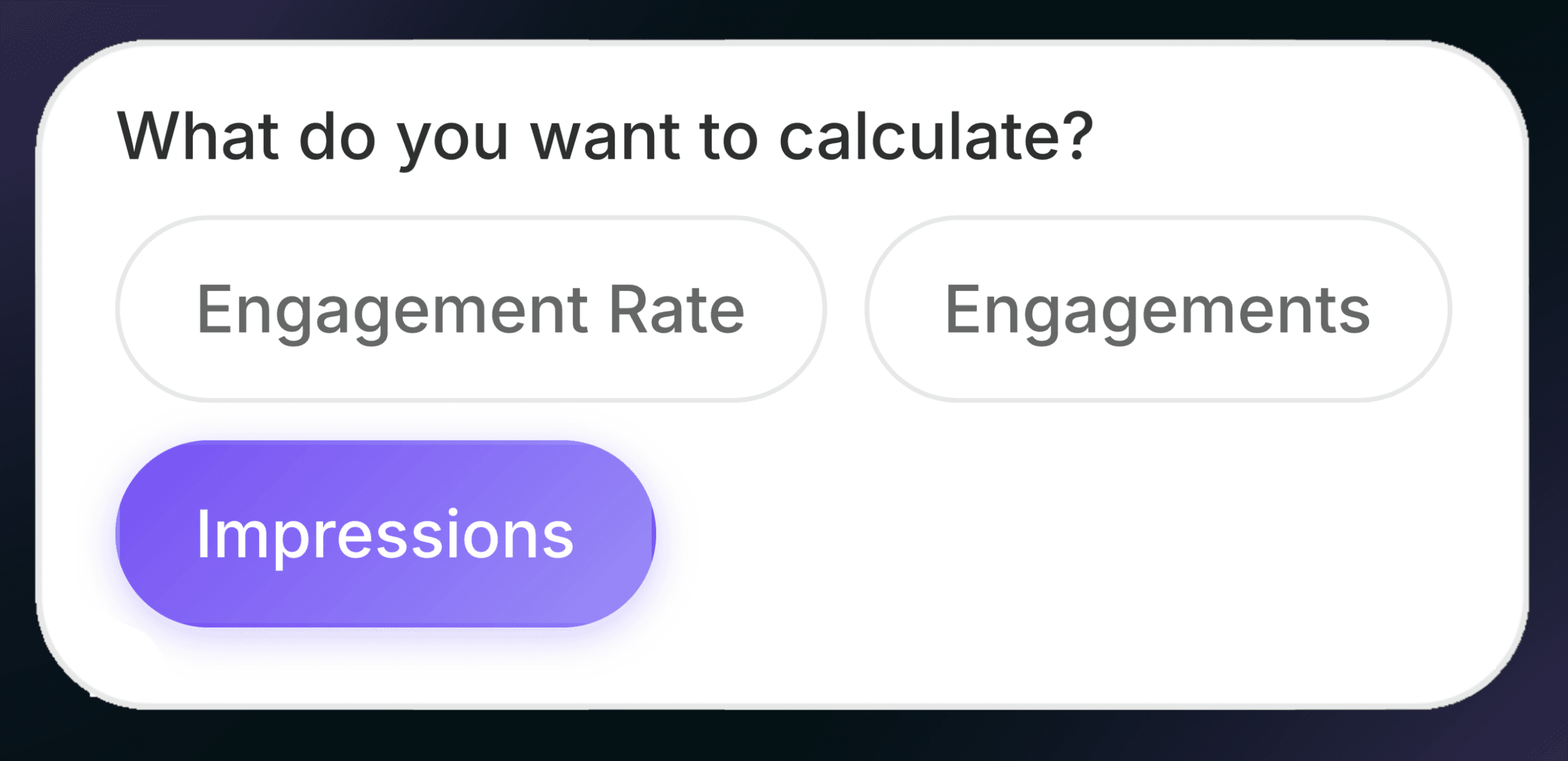
Select the metric
Choose whether you want to calculate engagement rate, total engagements, or impressions.
STEP 2
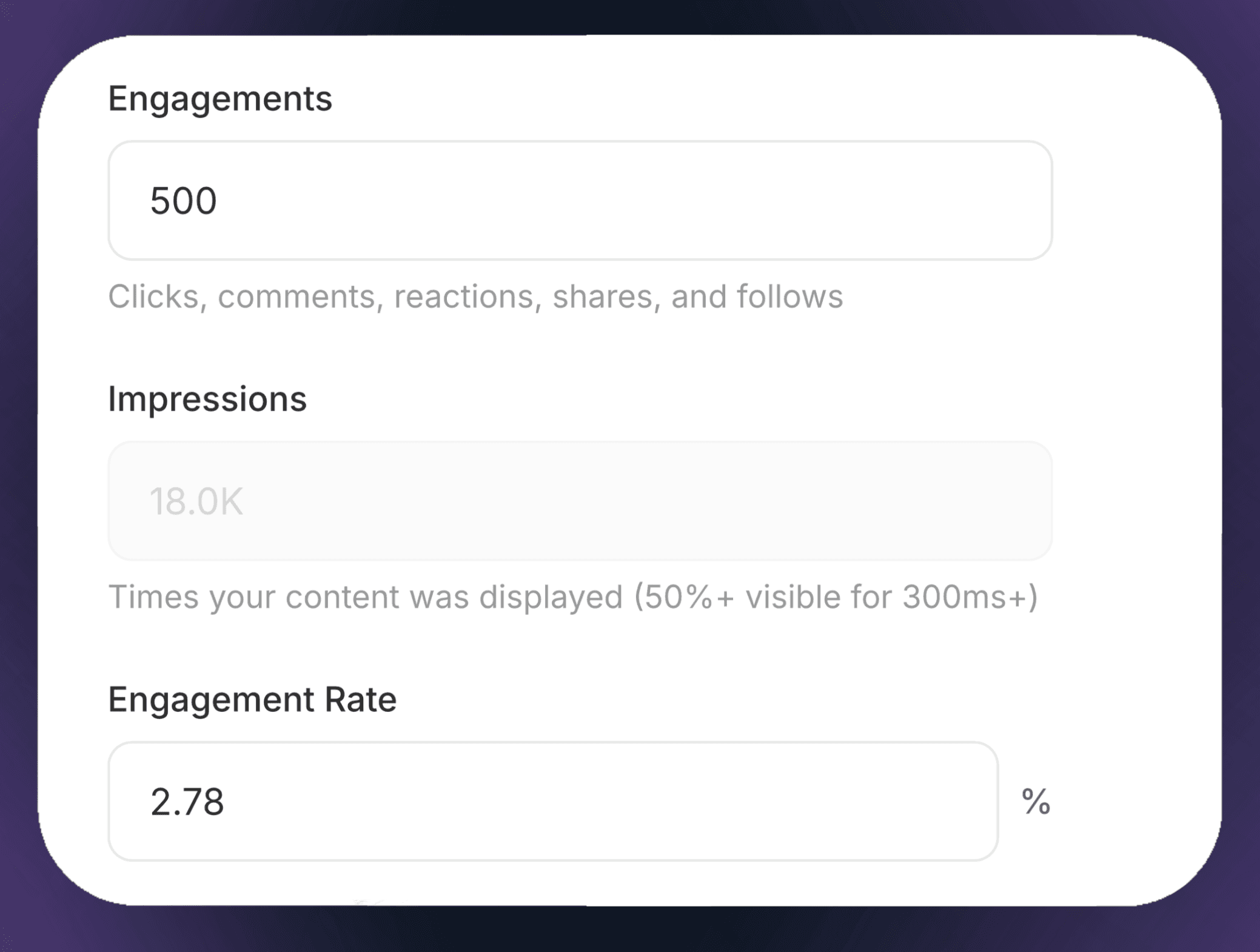
Enter your data
Fill in any two values and the calculator will automatically compute the third.
STEP 3
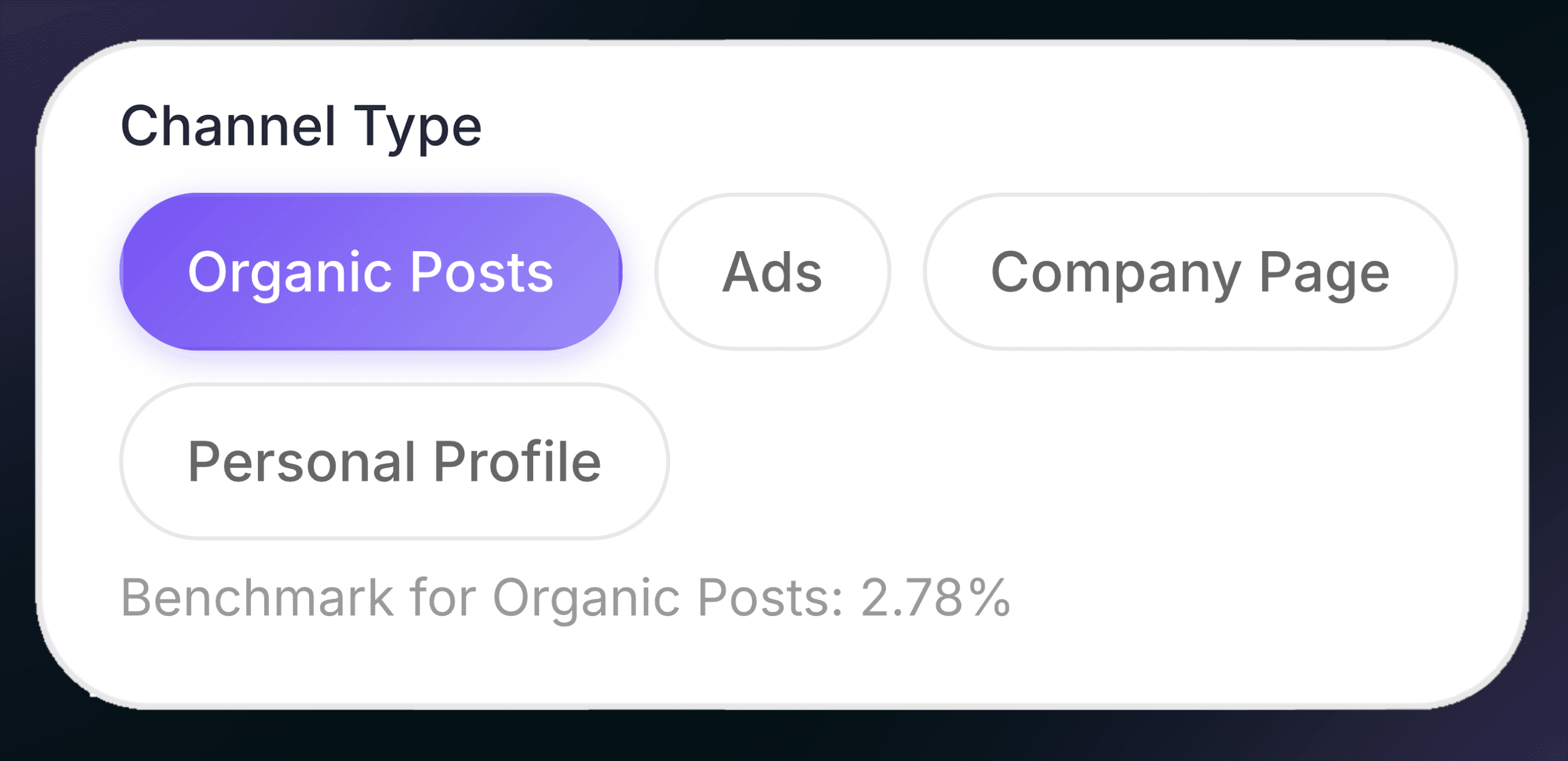
Choose the channel type
Pick the content source (organic posts, ads, company page, or personal profile) to apply the right benchmark.
STEP 2
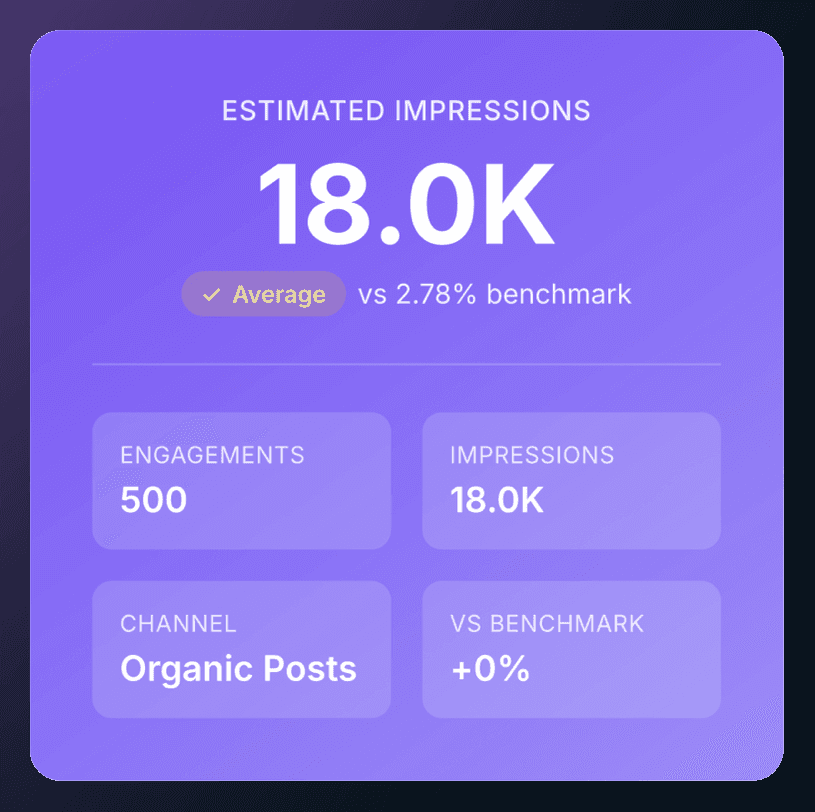
Review the result
Instantly see your engagement rate and how it compares to LinkedIn averages.
LinkedIn Engagement Rate Calculator Glossary
Engagement Rate
The percentage that shows how many people interacted with your content compared to how many times it was seen.
Engagements
All interactions on a post, including clicks, comments, reactions (likes), shares, and follows.
Impressions
The number of times your content was displayed on LinkedIn, counted when at least 50% of it was visible for 300+ milliseconds.
Clicks
Any time a user clicks on your post, link, image, or profile from the content.
Comments
Replies left by users on your post.
Reactions
Emotional responses users leave on a post (like, celebrate, support, etc.).
Shares
When a user reposts your content to their own network.
Follows
New followers gained as a direct result of the post.
Channel Type
The type of LinkedIn content source used for calculation (organic posts, ads, company page, or personal profile).
Organic Posts
Unpaid content published naturally on LinkedIn without advertising spend.
Ads
Paid LinkedIn posts promoted through the advertising platform.
Company Page
Content published from a LinkedIn business or brand page.
Personal Profile
Content published from an individual LinkedIn account.
Benchmark
The average engagement rate used as a reference point to compare performance.
Average Engagement Rate
The typical engagement rate observed across similar posts or channels on LinkedIn.
Benchmark
A comparison showing whether your engagement rate is above or below the average.
Formula
The calculation used to determine engagement rate: engagements divided by impressions, multiplied by 100.
Reset
Clears all entered values and returns the calculator to its default state.
Perks of using a LinkedIn Engagement Rate Calculator
Tracking your LinkedIn engagement rate isn’t just about numbers. When you use it well, it can speed up your growth.
Understand What Content Actually Works
Engagement rate shows which posts really connect with your audience, not just which ones get seen.
It reveals what people interact with, not just what they scroll past, and helps you tell the difference between content that’s just visible and content that truly connects.
Improves Your Content Strategy
By looking at engagement rate, creators can spot patterns in their best posts and see which topics, formats, or ideas get people talking.
This helps you improve your strategy and put your energy into content that works, instead of just guessing.
Attract More Brands & Clients
For brands, engagement rate provides concrete, data-backed proof of influence.
It shows whether a creator’s audience is active or just watching, and if the content sparks conversations or gets ignored.
Context alone doesn’t convince stakeholders. Numbers do.
That’s why brands use engagement rate calculators for reports, influencer reviews, and campaign analysis.
Instead of relying solely on follower counts, creators can demonstrate audience quality, making it easier to secure collaborations, justify pricing, and pursue serious business opportunities.
Increase Your Visibility
When your engagement rate is higher, LinkedIn’s algorithm sees your content as valuable.
This means your posts are more likely to reach bigger audiences, including people beyond your direct connections, so you get more reach without posting more often.
Frequently Asked Questions
1. What does this LinkedIn engagement rate calculator measure?
It calculates your engagement rate based on impressions and total engagements, following LinkedIn’s standard formula.
2. What counts as an engagement on LinkedIn?
Engagements include clicks, reactions (likes), comments, shares, and follows generated by a post.
3. How are impressions defined in this calculator?
An impression is counted when your content is at least 50% visible on screen for 300 milliseconds or more, in line with LinkedIn’s definition.
4. Can I calculate impressions or engagements instead of engagement rate?
Yes. By entering any two values, the calculator automatically computes the third.
5. Does the engagement benchmark change by post type?
Yes. Benchmarks vary depending on the channel type, such as organic posts, ads, company pages, or personal profiles.
6. Is this calculator connected to my LinkedIn account?
No. The tool is completely independent and does not access or pull data from LinkedIn.
More Free Tools from MagicPost
MagicPost offers a variety of free tools to enhance your LinkedIn content, including:
Summary Generator: Turn long content into clear summaries.
Video Downloader: Download LinkedIn videos in one click.
Headline Generator: Create scroll-stopping profile headlines.
Text Formatter: Clean, structure, and polish your text.
Hooks Generator: Write irresistible opening lines.
Post Ideas Generator: Generate endless content ideas.
Post Previewer: Preview and refine your post layout.