" height="26.80529977783203px" id="tymKb8bqC" width="128.00300311279295px"/><path d="M 0 2.417 L 0 0 L 12.909 0 L 12.909 2.417 Z" fill="rgb(126, 78, 253)" height="2.417099999999998px" id="aYr4em6zK" transform="translate(128.341 22.325)" width="12.908999999999992px"/></svg>)

"/><stop offset="1" stop-color="rgb(118, 37, 250)"/></linearGradient></defs><g d="M 19.242 21.22 L 19.362 6.204 L 19.272 6.204 L 13.757 21.22 L 10.161 21.22 L 4.796 6.204 L 4.706 6.204 L 4.825 21.22 L 0 21.22 L 0 0 L 7.283 0 L 12.109 13.607 L 12.229 13.607 L 16.844 0 L 24.247 0 L 24.247 21.22 Z M 26.421 26.113 L 26.421 23.445 L 41.407 23.445 L 41.407 26.113 Z" fill="transparent" height="26.112508199679183px" id="DvfaAIHYn" width="41.40731898311435px"><path d="M 19.242 21.22 L 19.362 6.204 L 19.272 6.204 L 13.757 21.22 L 10.161 21.22 L 4.796 6.204 L 4.706 6.204 L 4.825 21.22 L 0 21.22 L 0 0 L 7.283 0 L 12.109 13.607 L 12.229 13.607 L 16.844 0 L 24.247 0 L 24.247 21.22 Z" fill="rgb(46, 46, 46)" height="21.220180016149442px" id="pLsxRCobd" width="24.247352589074694px"/><path d="M 0 2.668 L 0 0 L 14.986 0 L 14.986 2.668 Z" fill="url(%23yD9d4I5GR-3279285344-linear-gradient)" height="2.6675085048549647px" id="yD9d4I5GR" transform="translate(26.421 23.445)" width="14.986002836263765px"/></g></svg>)
LinkedIn Hashtag Generator
Generate hashtags that will push your content to a bigger audience
Many people see hashtags as just decoration, something added at the end of a post because it seems required, usually just a few random keywords or a trending tag.
But hashtags aren’t just for show. They help distribute your content.
Hashtags determine who sees your content, how far it spreads, and whether it fades away or reaches the right people. That’s why a hashtag generator is now essential for anyone focused on growing their content.
How to Use a LinkedIn Hashtag Generator?
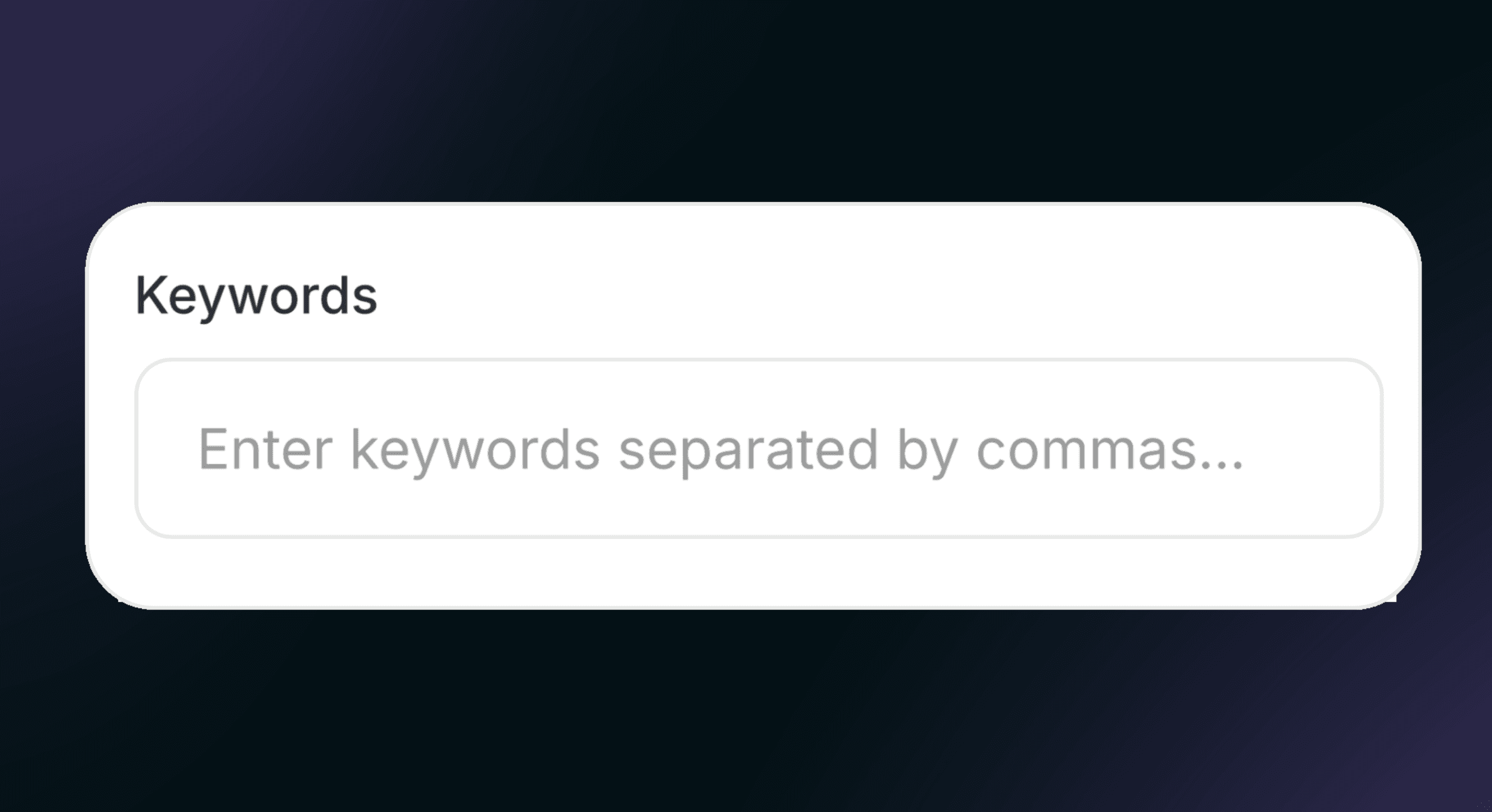
STEP 1
Enter your keywords
Type the main topics of your post, separated by commas.
STEP 2
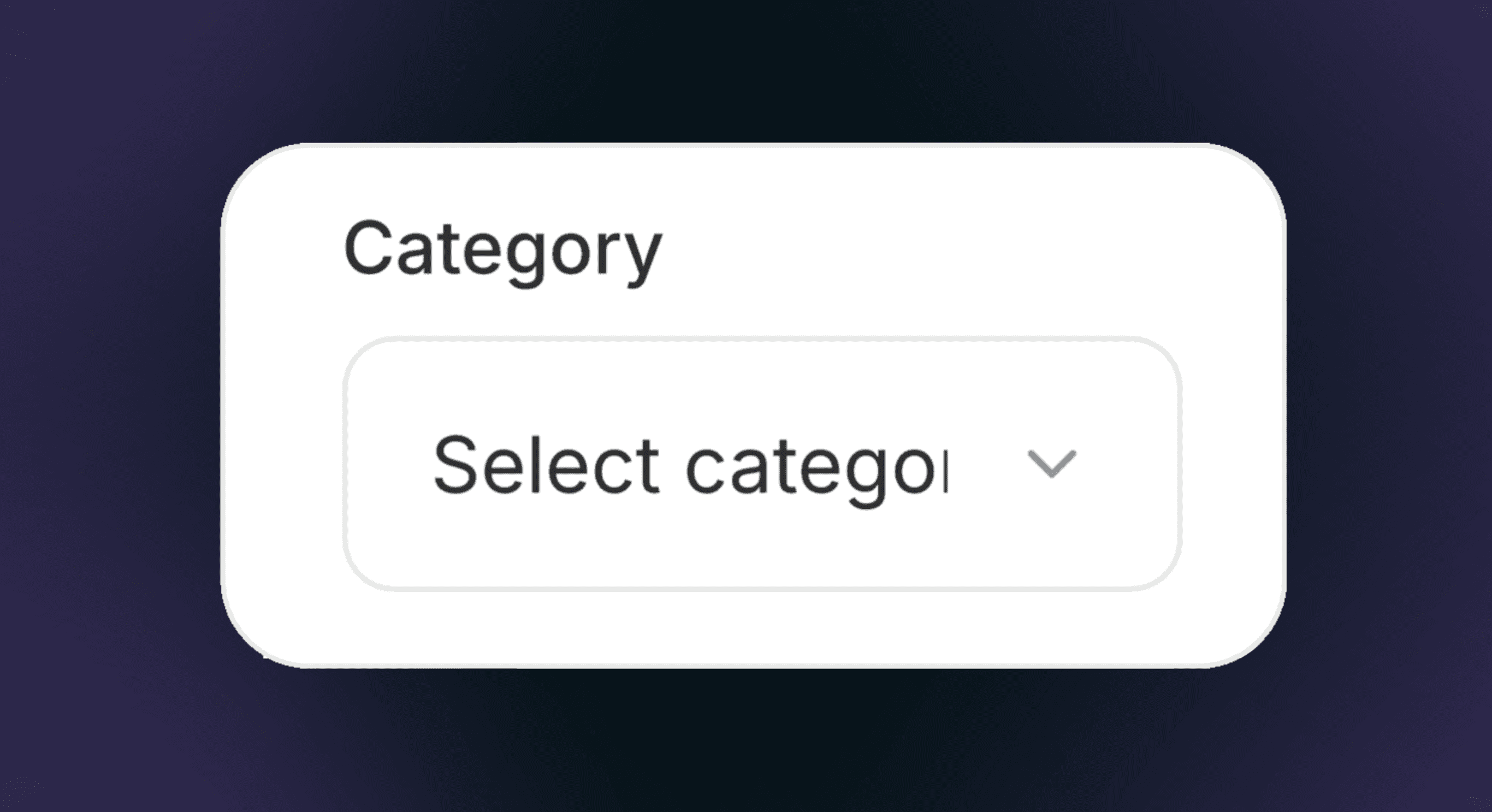
Select a category
Choose the category that best matches your content.
STEP 3
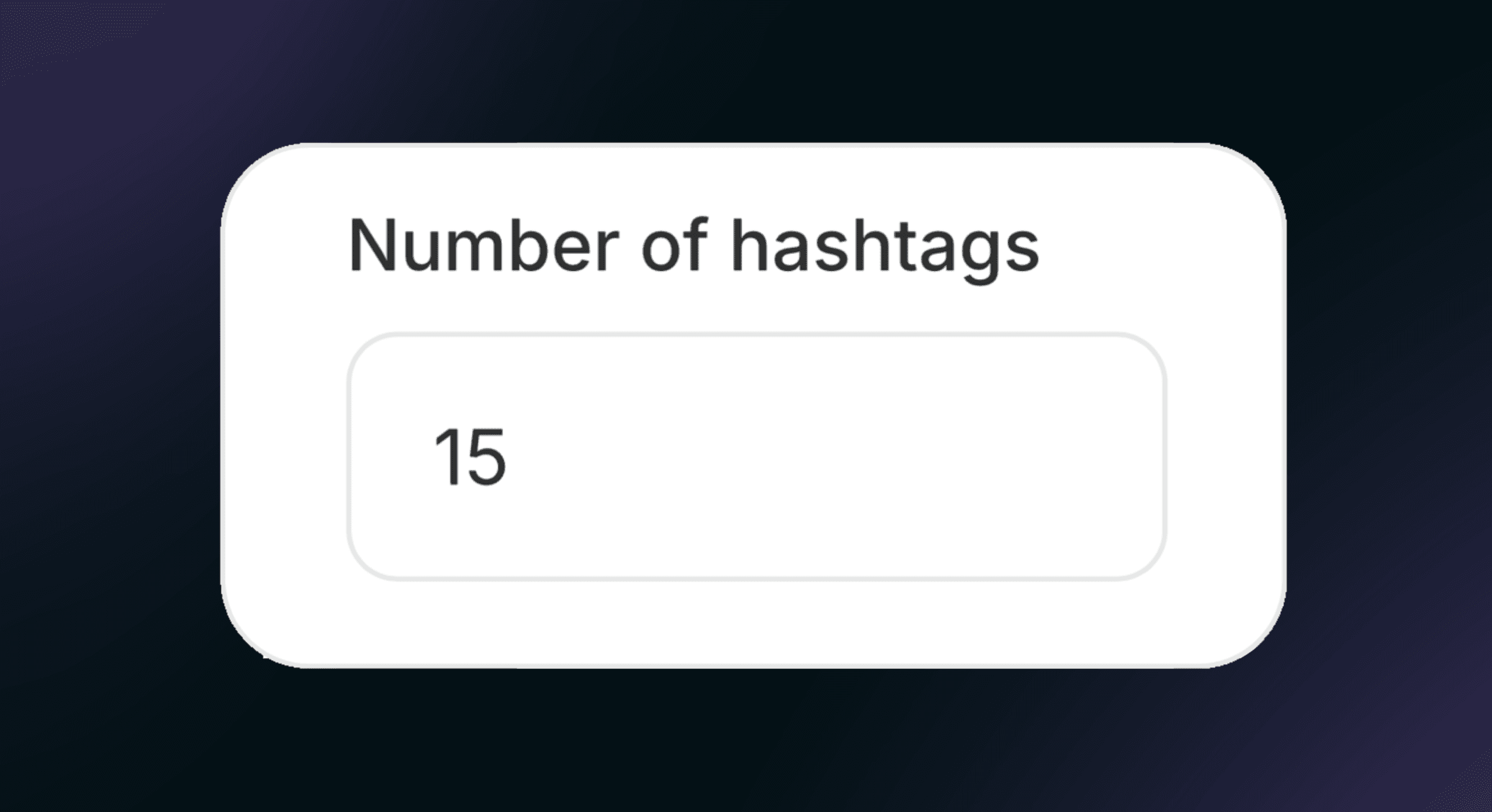
Choose the number of hashtags
Set how many hashtags you want to generate.
STEP 2
Click “Generate Hashtags”
Instantly get relevant, ready-to-use hashtags for your post.
What a Hashtag Generator Actually Does
A hashtag generator removes the guesswork and helps you choose hashtags that best suit your content, with purpose.
A hashtag generator isn’t just a tool that spits out keywords. It analyzes your content and suggests hashtags to expand your reach.
Instead of guessing which hashtags might work, the generator offers suggestions based on data like relevance, popularity, and competition.
This way, you’re not just posting blindly; you’re putting your content where your audience is already searching.
Why Hashtags Still Matter Now More Than Ever
Some people say hashtags don’t matter anymore, but that’s not true.
What doesn’t work is using hashtags the wrong way.
Platforms like LinkedIn, Instagram, TikTok, and X still use hashtags to organize content.
These little words at the end help algorithms figure out what your post is about and who should see it. When used well, they act as signposts that guide the right people to your content.
However, if you use hashtags randomly, you might end up harming your content and attracting the wrong audience.
The Challenge of Finding Hashtags by Hand
Finding good hashtags on your own takes time. You search for a keyword, check its popularity, and guess whether it’s too competitive, then repeat for each post.
Because of this, most people reuse the same hashtags for every post.
That’s when your content stops growing.
A hashtag generator makes this process faster by instantly giving you a mix of hashtags: some popular, some niche, and some very specific to your content.
This lets you spend less time researching and more time creating.
How a Hashtag Generator Improves the Quality of Your Reach
It’s not about reaching more people at this point; it’s about reaching the right people.
A good hashtag generator helps your content reach an audience who actually cares about your topic, not just anyone scrolling by.
This matters even more on professional sites like LinkedIn, where you want your posts to be seen by the right audience.
When your hashtags match your message, the engagement you get feels genuine. Comments are relevant, likes come from the right people, and new connections can lead to real change.
That’s what separates noise from real impact.
To Sum Up
If you’re creating content without thinking about distribution, you’re doing half the job.A hashtag generator doesn’t replace creativity; it amplifies it. It ensures that the content you worked hard on actually reaches the people it was meant for.
In a busy feed, getting noticed isn’t luck; it’s planned.
And a hashtag generator is one of the simplest, smartest ways to do it.
Frequently Asked Questions
What Makes This Summary Generator Stand Out?
There are many LinkedIn summary generators available, each developed by different brands. What makes this one unique? Simple.
It adapts to your personal tone and style more effectively, ensuring your summary feels authentic. Plus, it’s incredibly easy to use, and best of all, completely free.
Where Can I Find My "About Me" Section on LinkedIn?
You can find your "About Me" section (also known as your bio) directly on your LinkedIn profile, right below your profile picture. This section is where you introduce yourself, highlight your expertise, and share what makes you unique.
Do I Need to Create an Account to Use the Generator?
No! You don’t need to sign up or create a password to access the summary generator. It’s 100% free and ready to use instantly.
However, if you want to create full LinkedIn posts, you’ll need to log in, as that feature is part of the platform’s paid version.
How Long Does It Take to Generate a LinkedIn Summary?
The tool generates a personalized LinkedIn summary in under 30 seconds.
What Details Should I Include to Get the Best Results?
For the most accurate and tailored summary, try to include details such as your job title, key skills, industry, preferred tone, and career goals.
The more information you provide, the more refined and impactful your summary will be.
Does MagicPost Offer Other Free Tools?
Yes, MagicPost offers other free tools, some of the best ones are:
Summary Generator: Turn long content into clear summaries.
Video Downloader: Download LinkedIn videos in one click.
Headline Generator: Create scroll-stopping profile headlines.
Text Formatter: Clean, structure, and polish your text.
Hooks Generator: Write irresistible opening lines.
Post Ideas Generator: Generate endless content ideas.
Post Previewer: Preview and refine your post layout.
Advocacy Employee Simulator: Simulate employee advocacy posts.
Hashtag Generator: Find relevant hashtags instantly.
Mockup Generator: Create realistic post mockups fast.
Engagement Rate Calculator: Measure post performance accurately.
LinkedIn Post Pricing Calculator: Calculate how much to charge for a LinkedIn post.
Quote Card Generator: Turn quotes into shareable visuals.
Poll Idea Generator: Generate engaging LinkedIn poll ideas.